
If you use the Mail Output (SMTP), you will have to add two JobInfos to ensure that it sends the attachments as PDF:
- Double click on your Mail Output module
- Click on Pre JobInfos
- Click Add
- Use the following configuration:
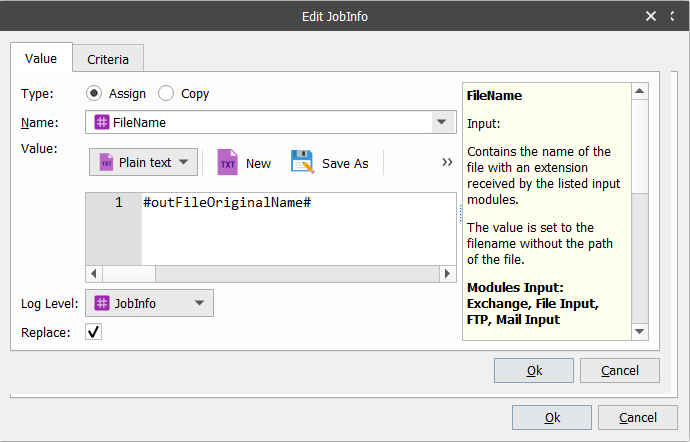
- Click the Criteria tab.
- Click Add
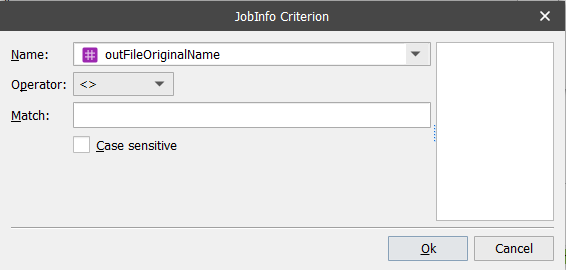
- Click OK
- Click OK
- Click Add
- Use the following configuration:
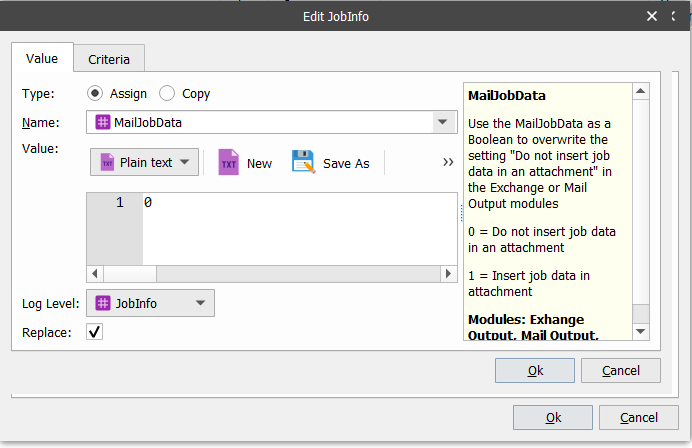
- Click the Criteria tab.
- Click Add
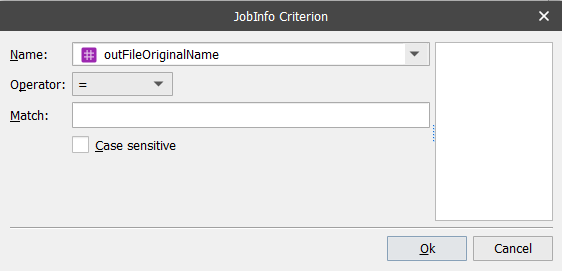
- Click OK
- Click OK
- Make sure to connect the Mail Output with the Pass-Through Destination selection module.
- Click Commit, write a note and click OK.
- Click Deploy, check the server, and click OK.